SSML
In this article
This article explains what SSML (Speech Synthesis Markup Language) is, how it is supported in QR Translator, and how to upload or remove an SSML file for a translation.
What is SSML?
SSML (Speech Synthesis Markup Language) is a markup language that lets you control how text-to-speech audio is generated.
By using SSML, you can customize aspects such as speech speed, pauses, emphasis, and tone of the voice.
QR Translator supports SSML files that follow Microsoft’s SSML specification.
Reference:
Microsoft SSML guide:
https://learn.microsoft.com/en-us/azure/ai-services/speech-service/speech-synthesis-markup-structure
Before you begin
SSML files are applied per translation, not globally.
QR Translator supports SSML files that are in accordance with Microsoft‘s guide to SSML.
SSML files must be valid and compliant with Microsoft’s SSML guidelines.
https://learn.microsoft.com/en-us/azure/ai-services/speech-service/speech-synthesis-markup-structure
How to upload an SSML file
- All audio settings are managed from the QR codes Code Overview panel. To access the Code Overview panel, open the Dashboard, find the code you want to edit and click the icon.
- Under Advanced Settings, click the icon to open the translation’s Advanced Settings dialog.
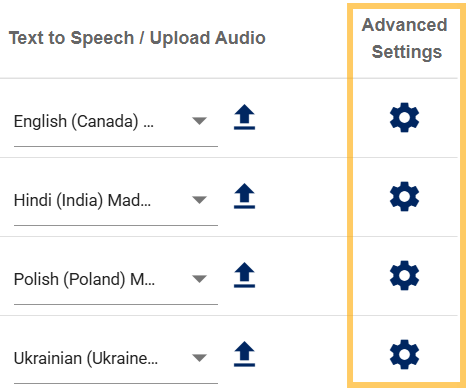
- Click Upload.

- Select the file you want to upload and click Open to upload the file.
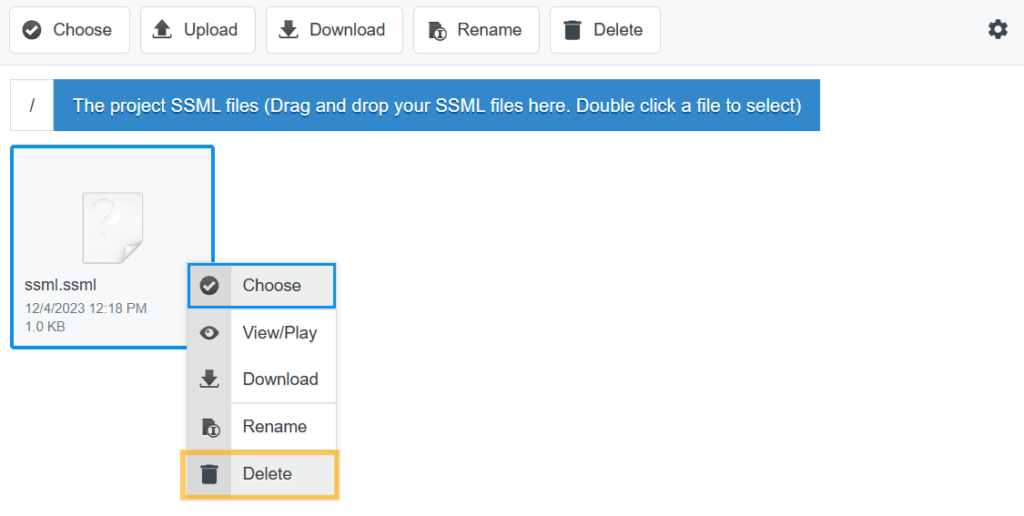
- Double click the uploaded file to use it.
How to remove an SSML file from a translation
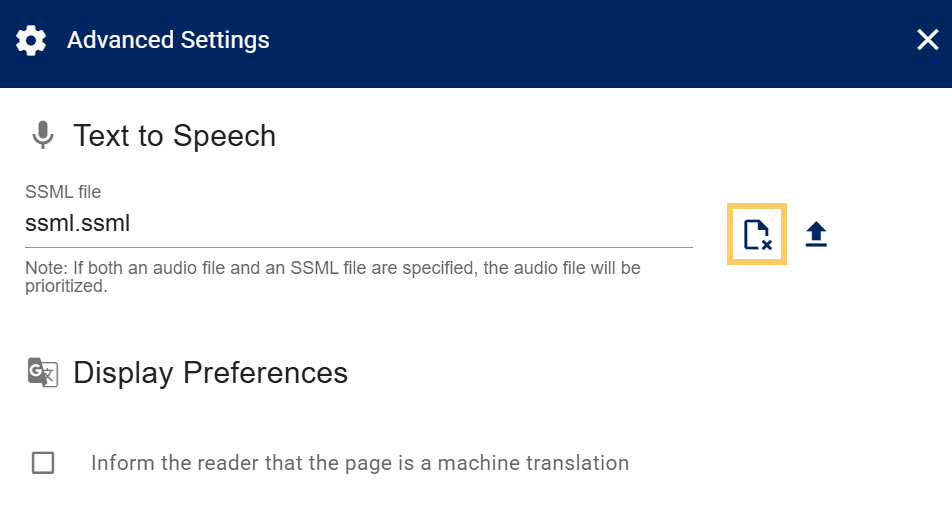
- Open the translations Advanced Settings (see steps 1-2 of How to upload an SSML file).
- Click the icon. This will remove the SSML file from the translation.
- To also remove the audio file from the server, click the icon, right click the audio file, and click Delete.