
Delete account
In this article
This article explains how to delete your QR translator account.
Before you begin
⚠️ Important: Please be aware that:
- Deleted accounts cannot be restored.
- All QR codes, including QR codes with active subscriptions, and translations will be deleted permanently.
- Subscriptions cancelled due to account deletion are non-refundable.
Please make sure you no longer need your account or QR codes before continuing.
How to delete your account
- Login to your account.
- Open the main menu (navigation icon left from the QR Translator logo), click My Account.
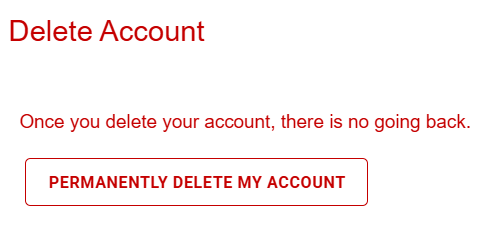
- Under Account Management, click Permanently delete my account.
- Type
yesinto the form to unlock the ok button.
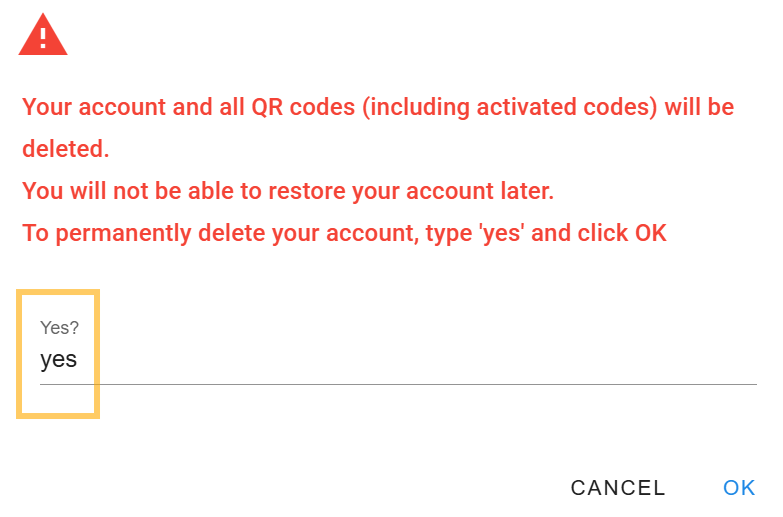
- Click ok to permanently delete your account.
Was this helpful?
YesNo