
Register or update payment method
You can register a credit card in two places.
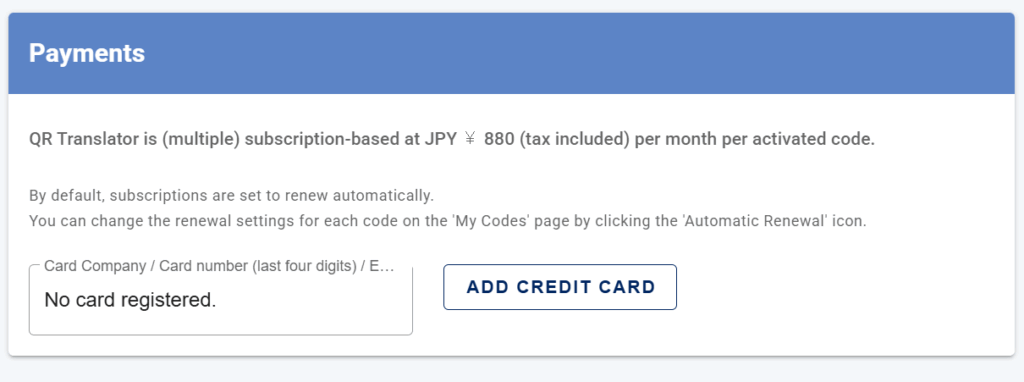
From the Payments page
- Open the main menu (navigation icon left from the QR Translator logo), click Payments, then select Add credit card and follow the on-screen steps.
From My Account
- Open the main menu (navigation icon left to the QR Translator logo), click My Account. Scroll down to Currency and Payment Methods, then select Add credit card and follow the on-screen steps.
Was this helpful?
YesNo